Appearance
What is Scada.Ink?
Last updated
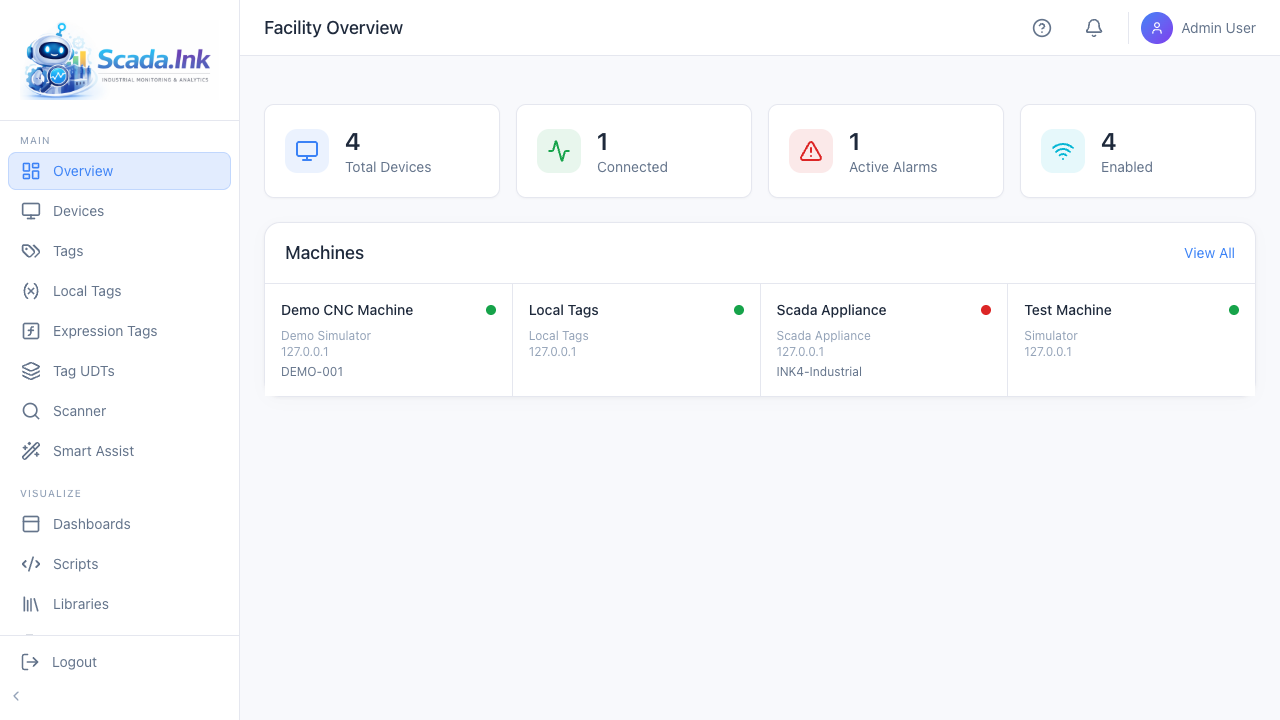
Scada.Ink is an industrial monitoring, control and MES platform that runs on a small appliance on the plant network (a the appliance based unit). Everything — device drivers, the tag engine, the historian, alarms, logic and the web interface — runs on the appliance itself. You use it from any browser on the same network. It does not need an internet connection; the optional Scada.Ink Cloud services are the only parts that do.
What it does
| Area | What you get | Start here |
|---|---|---|
| Device communication | Drivers for PLCs, CNCs, robots, Modbus, OPC UA, MQTT, EtherNet/IP, SECS/GEM, HTTP and more, plus a network scanner | Devices, Network Scanner |
| Tags | Live tag browser, local (memory) tags, expression tags, tag UDTs, scaling and deadband | Tags, Local tags |
| Visualization | Drag-and-drop dashboards, templates, style classes, custom HTML pages, symbol library, TV and kiosk displays | Dashboards, Custom pages |
| Automation | Visual workflows, schedules, server-side scripts and script libraries, a soft PLC with ladder logic and SFC | Workflows, Scripts, Ladder logic |
| Alarms and history | Alarm rules, pipelines with email/SMS/voice, ISA 18.2 metrics, a built-in historian | Alarms, Historian |
| Production and MES | OEE, downtime, quality, shifts, andon, labor efficiency, work orders, recipes, work instructions | Production, MES |
| Data | Data tables, named queries, remote databases, store and forward, reports (PDF, HTML or CSV), SPC, machine vision | Data tables, Reports, Vision |
| Integration | REST API with API tokens, MQTT Sparkplug B, OPC UA server | REST API |
| Assistance | Smart Assist: device detection, tag classification and AI page design | Smart Assist |
Some of these are licensed features. A fresh appliance has no key, and every licensed feature — including the free ones — starts switched off. See Licensing: features and tiers.
Who can do what
Every account has one of four roles: admin, editor, operator or viewer. Admins configure the system (users, settings, license, appliance); editors build dashboards, logic and configuration; operators run the plant; viewers look. An admin can also limit individual users to chosen features. See Users and Feature toggles and per-user access.
Editions
The same software runs every appliance. A license key decides which features are available. Keys for HMI.ink (a slimmer display-only product) also exist; on current Scada.Ink software an HMI.ink key grants only the free base feature set.